Import
Select screenshots from a one-on-one conversation in iMessage, WhatsApp, SMS, or another messaging app.
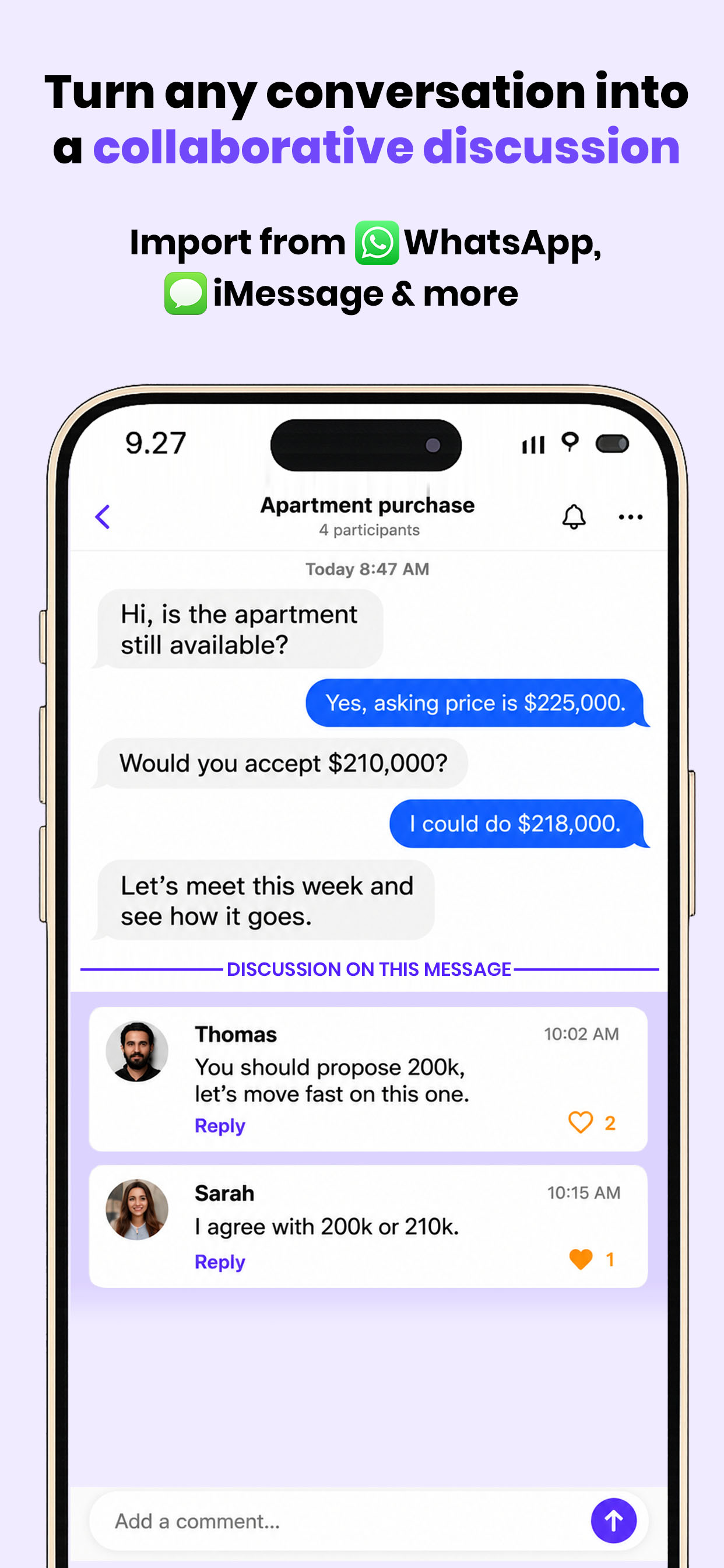
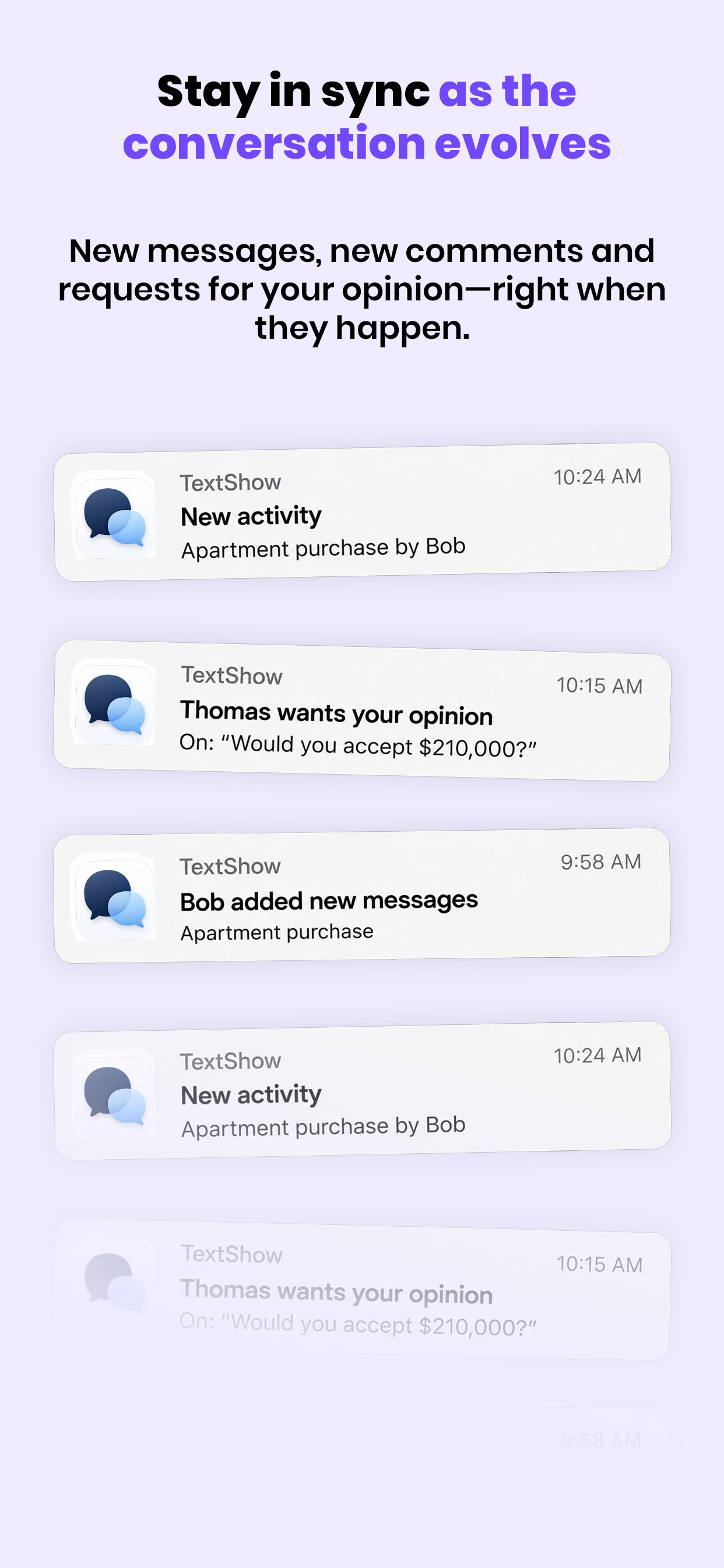
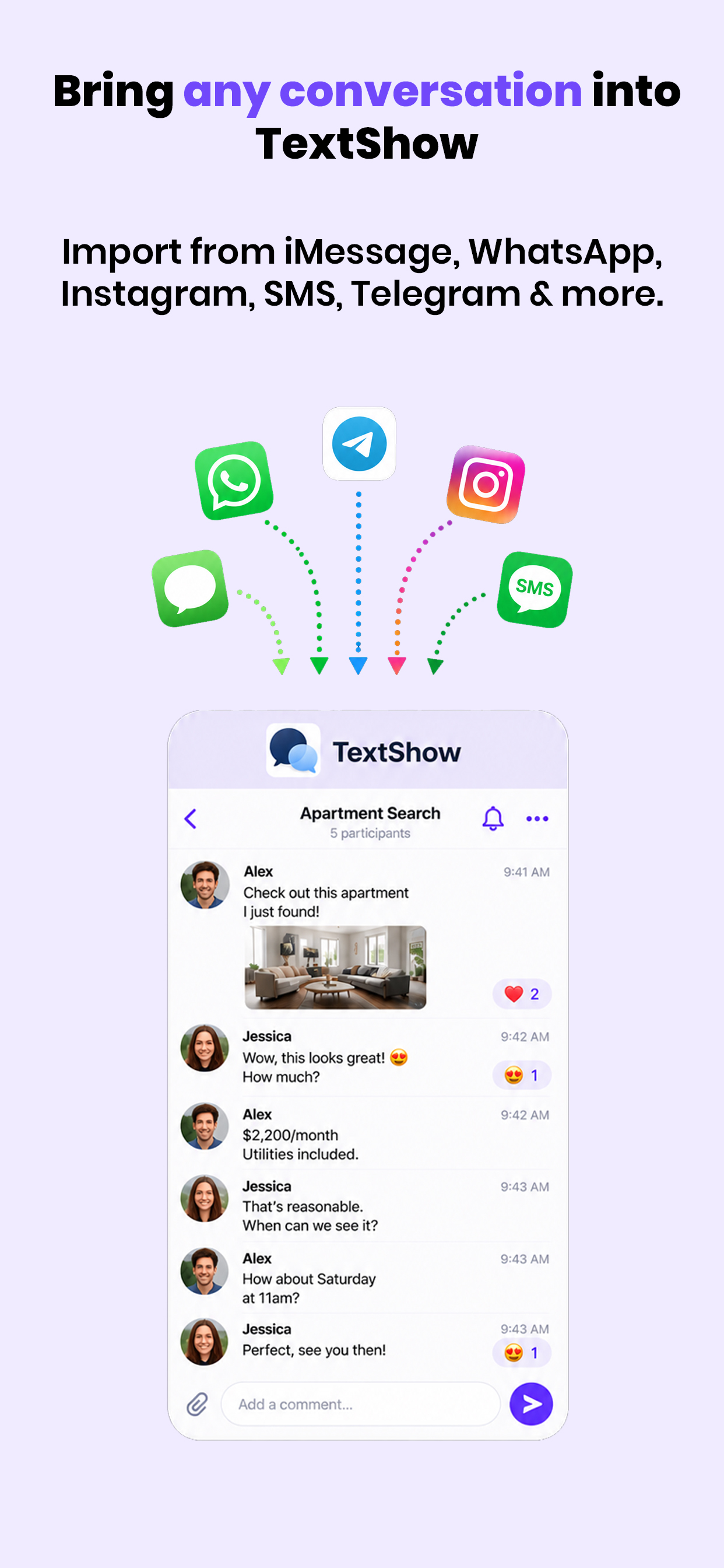
Import a one-on-one conversation from iMessage, WhatsApp, or another messaging app using screenshots. TextShow reconstructs the original exchange, preserving its messages and timestamps.
Invite the people you choose to comment, react, and bring specific messages to someone's attention without losing the context of the source conversation.
 Now on iOSGet TextShow on the App Store
 Coming soonTextShow for Android
How it works
Select screenshots from a one-on-one conversation in iMessage, WhatsApp, SMS, or another messaging app.
TextShow rebuilds the source conversation with its messages, sides, media, dates, and timestamps.
Invite participants individually, then comment and react directly on the messages that matter.
Features
Use TextShow to
Get a friend's perspective on a conversation.
Ask colleagues for feedback on an exchange.
Highlight an important message for someone to review.
Discuss what was said without losing the original context.
Keep important parts of a conversation easy to find.
Your conversations, shared and discussed on your terms.
Only upload screenshots you are entitled to share. Screenshots are not authenticated and may have been edited or forged. Notifications depend on your device and system settings.